More Information| Merk | Spektrum |
|---|
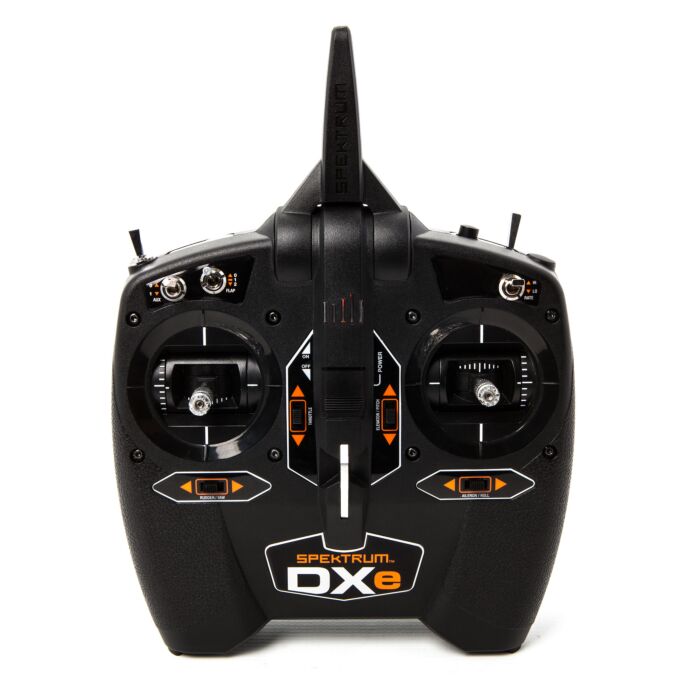
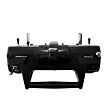
If you've ever managed a music library on your PC or smart phone, you can program the DXe. All you need is the free Spektrum programming app or software and a Spektrum programming cable (sold separately). Using this interface you can create and save basic model setups with different settings for: . For advanced programming features such as stick configuration, wing type selection, expo on/off function, model setup import and many more, the Spektrum programming cable (SPMBT1000-Mobile, SPMA3065- PC) is required. Basic programming features such as servo reversing and trim adjust can be used without the programming cable. . Once saved to your PC or mobile device, you can upload the setup for a specific model to the DXe with a simple point and click. .You can also use the interface to upload pre-programmed setups for Bind-N-Fly® aircraft..Save and Transfer Model Setups.Select Transmitter Mode and Battery Type.Enable Trainer Function.Choose Normal or Elevon Wing Types. While the DXe looks and functions like a basic 6-channel transmitter out of the box, it gives pilots the control functions they need to fly a wide variety of Bind-N-Fly aircraft using pre-programmed setups. Functions include: